remove.bg alternative
Automatic and free, and your photo never leaves your device.
Clean edges, made on your device
Every picture here was cut out by ChobiKit in a browser, the way yours will be. Drag the line to compare.


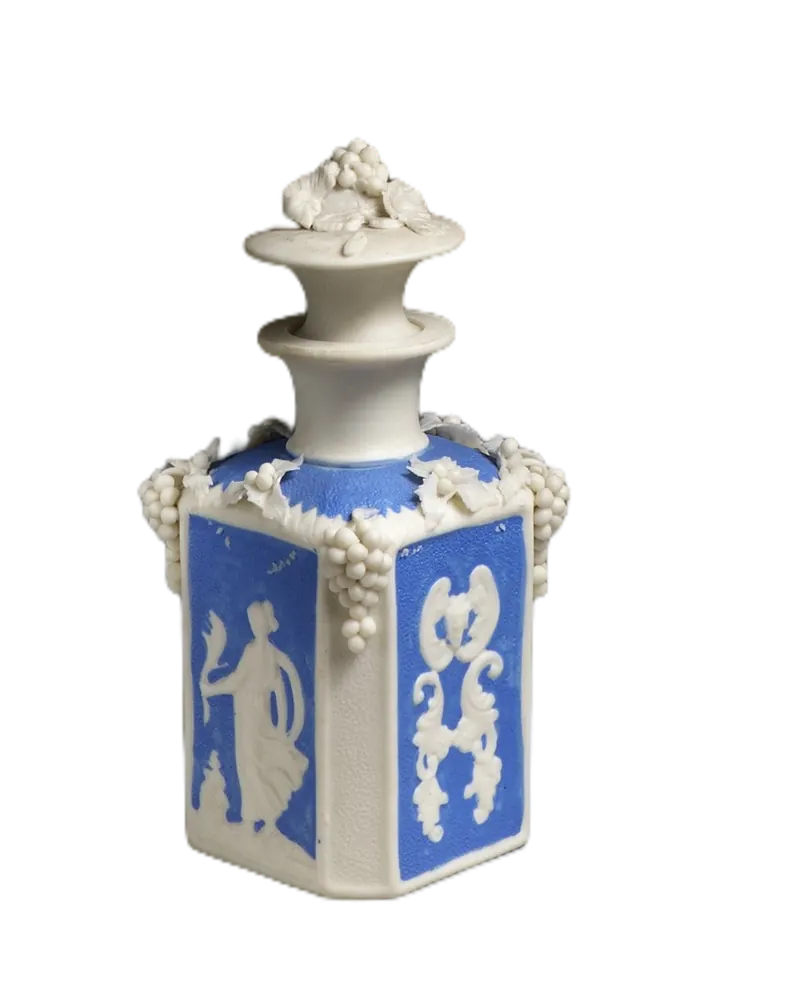
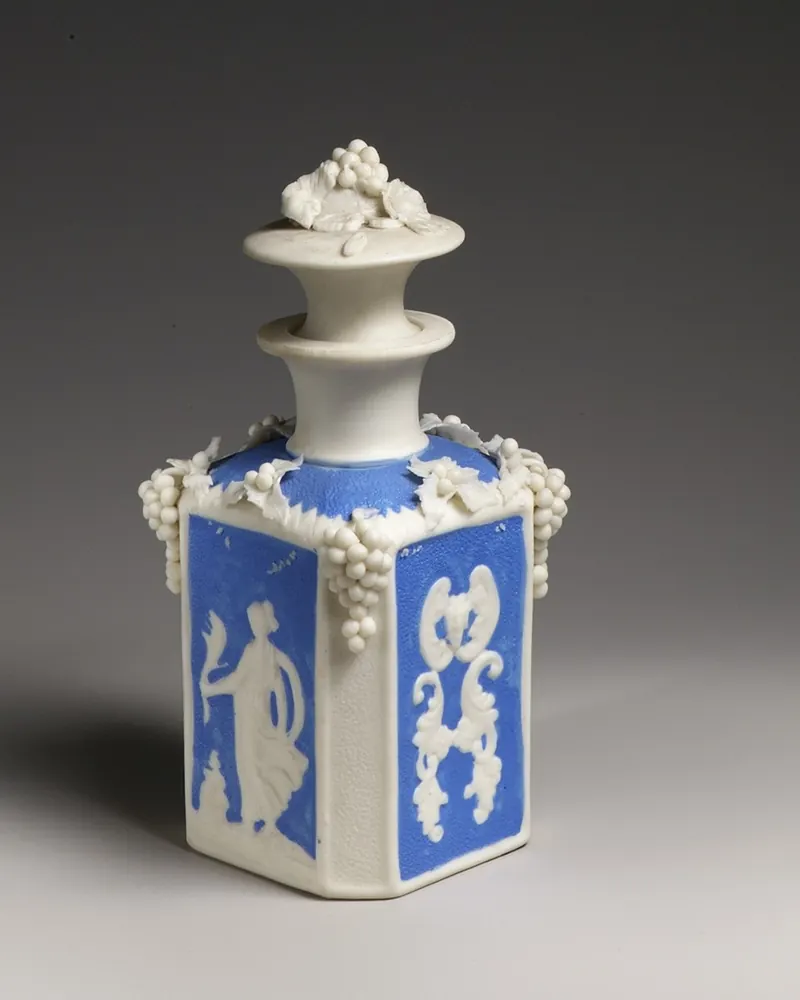
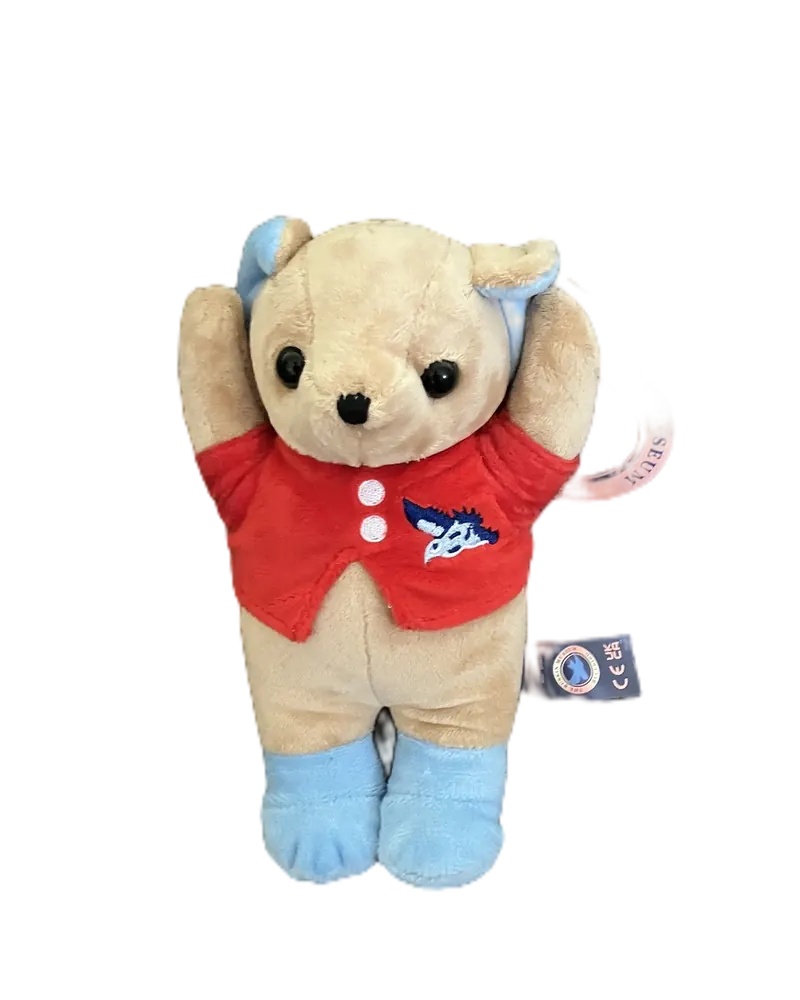
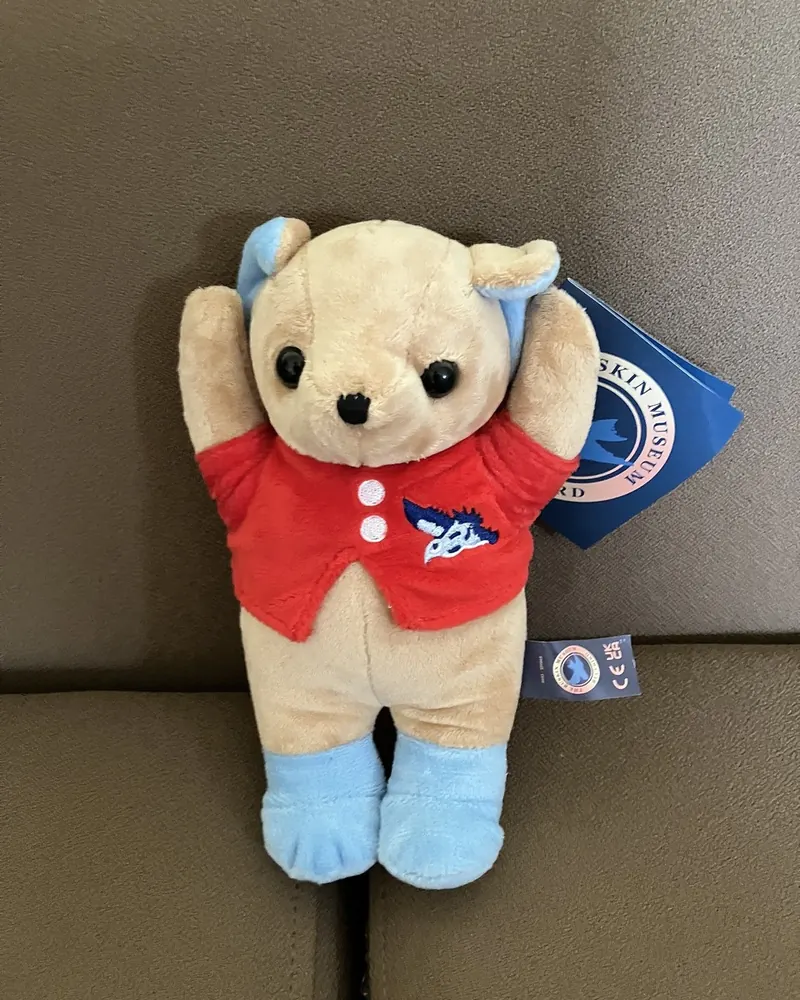
How to use it
Choose a photo of a person, a product or anything else.
The background comes off by itself. Then pick transparent, white, a colour or a gradient.
Crop it if you like, then download it.
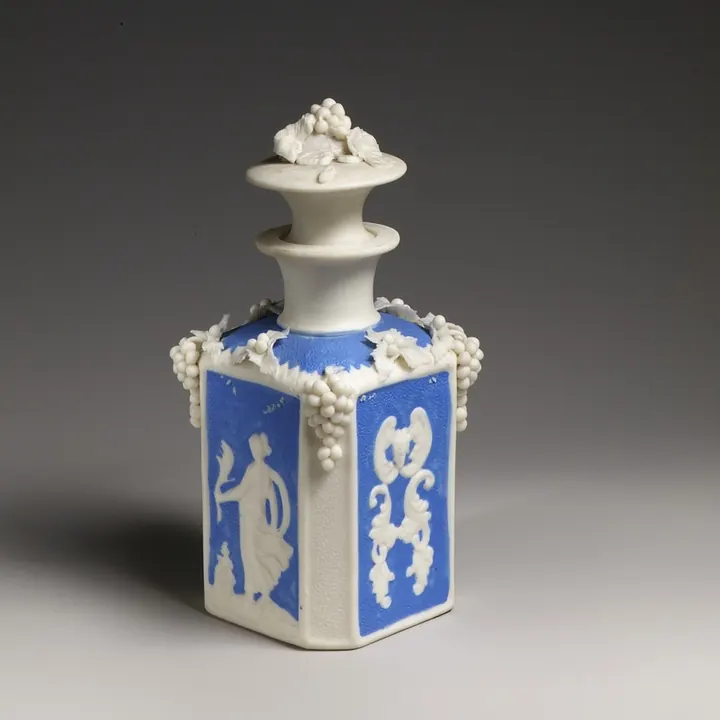
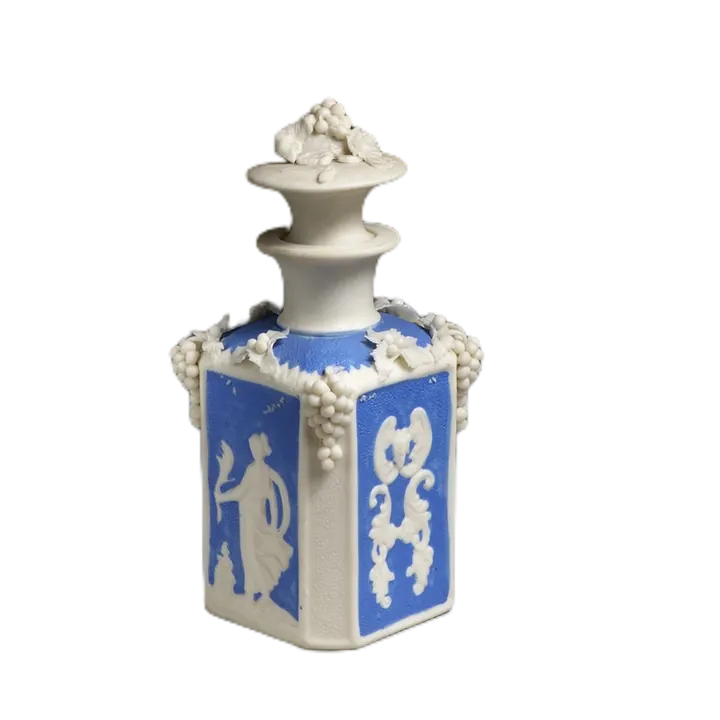
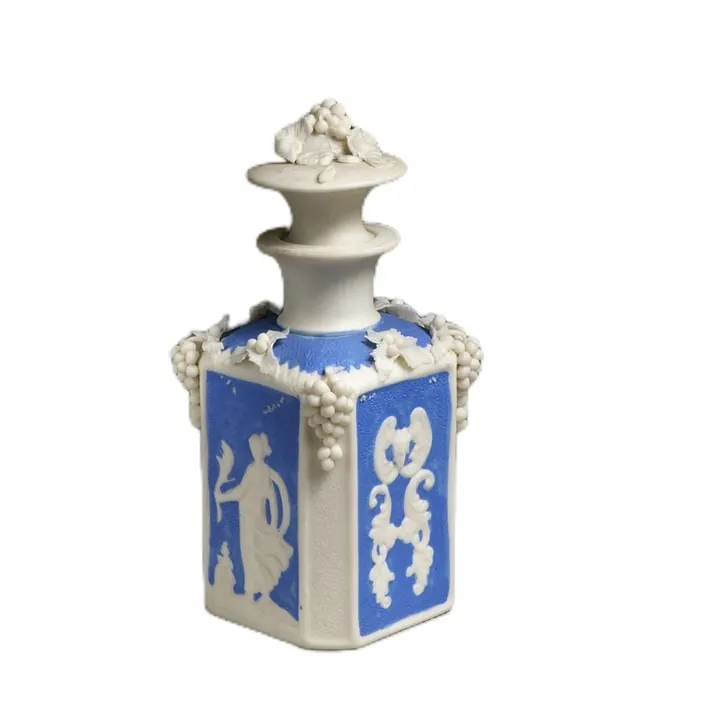
One photo, any background
remove.bg is moving to Canva. For a background remover that needs no account, choose a photo here: the background comes off by itself in your browser, and your photo never leaves your device.
The photo as taken
Transparent, for designs and slides
White, for forms and CVs
A colour or gradient, for profiles




What is changing at remove.bg
remove.bg, part of Canva since 2021, has announced that it is moving to Canva: its background removal goes into the Canva platform, and from 1 December 2026 its API is offered by Leonardo.Ai, another Canva company. The details are on remove.bg/faq and leonardo.ai/news.
If you want remove.bg's own background removal, look for it in Canva. If you want one with no account and no credits, this page is one.
ChobiKit is an independent site, not part of remove.bg, Canva or Leonardo.Ai. remove.bg and Canva are trademarks of their owners.
Background removal with no account
Starts by itself
Choose a photo and the background comes off at once. There is no sign-up, no credit to spend and no watermark.
Full-size results
The cut-out is made at your photo's own size, and saved as a PNG with a see-through background, or as a JPG on white or a colour.
Up to 10 photos at once
Choose several photos and each gets the same background, one after another. Then download them one by one, or all together as a ZIP file.
Fix it by hand
In Cutout, Erase takes away a patch of background that stayed, and Restore brings back hair or an edge that went.
How ChobiKit differs
- Your photo is never uploaded. The remover runs in your browser: the first time, your browser downloads it, about 15 MB, and about 4 MB more for Object.
- Choose Person for people, Object for products, pets and other things, and Signature for ink on paper.
- It is a web page, for one photo or a handful at a time: there is no API and no app to install.
- It works on photos, not on videos.
- Busy backgrounds and see-through things such as glass are the hardest. On a phone with little memory, a photo can take up to a minute.
Switching over
- Bookmark this page: it opens with Transparent chosen, so the download is a PNG with no background.
- For white, a colour or one of eight gradients, open Background after the cut-out.
- To crop the result to a square or another shape, crop it right after the background comes off.
Frequently asked questions
Is remove.bg shutting down?
remove.bg has announced that it is moving to Canva, which has owned it since 2021: its background removal goes into Canva, and from 1 December 2026 its API is offered by Leonardo.Ai. ChobiKit is not part of either; it is a separate background remover that runs in your browser.
Is this background remover free?
Yes. There is no sign-up, no credits and no watermark, and no limit on how many photos you do.
Can I remove the background from many photos at once?
Yes. Choose up to 10 photos: each gets the same background, and you can download them one by one or all together as a ZIP file.
Does it work on products as well as people?
Yes. Choose Person for people, and Object for products, pets, toys and drawings. Either works best when the subject stands out from the background.
Is my photo uploaded?
No. The background is removed in your browser and nothing is sent to a server. The first time, your browser downloads the remover itself; your photo stays on your device.
Is ChobiKit part of remove.bg or Canva?
No. ChobiKit is an independent site and isn't linked to remove.bg, Canva or Leonardo.Ai. Their names are used here only to say what is changing.