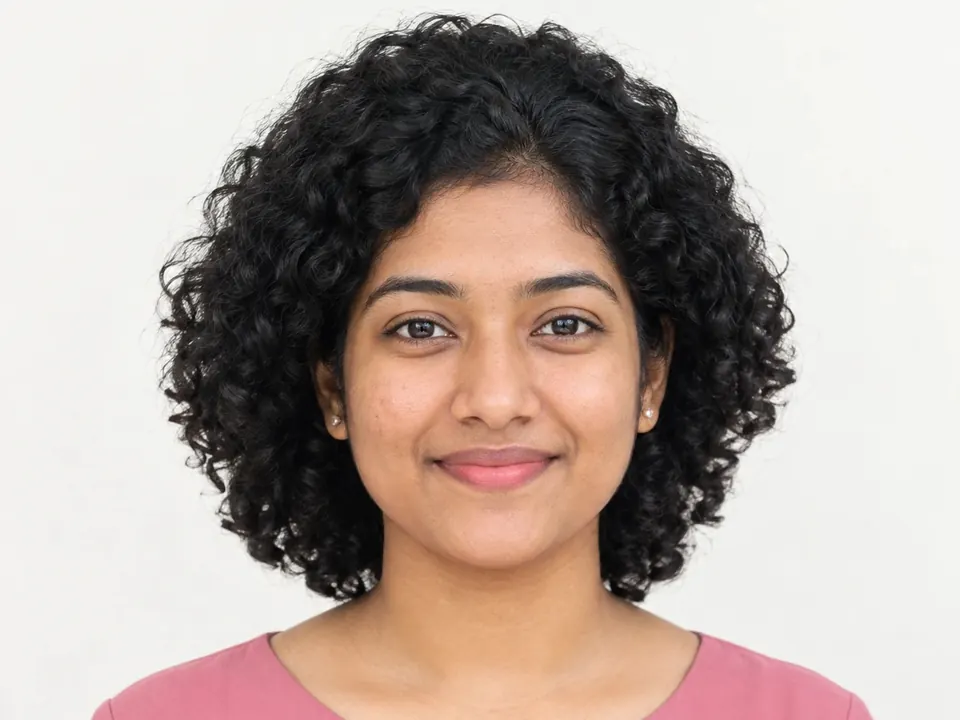

Transparent background maker
Automatic and free, and your photo never leaves your device.
JPG, PNG, WebP, HEIC or AVIF, up to 20 MB. You can choose up to 10 images at once.
Your image stays on your device.
Clean edges, made on your device
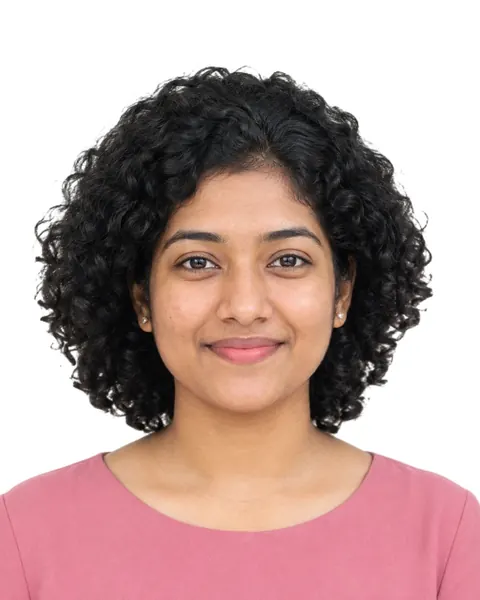
Every picture here was cut out by ChobiKit in a browser, the way yours will be. Drag the line to compare.


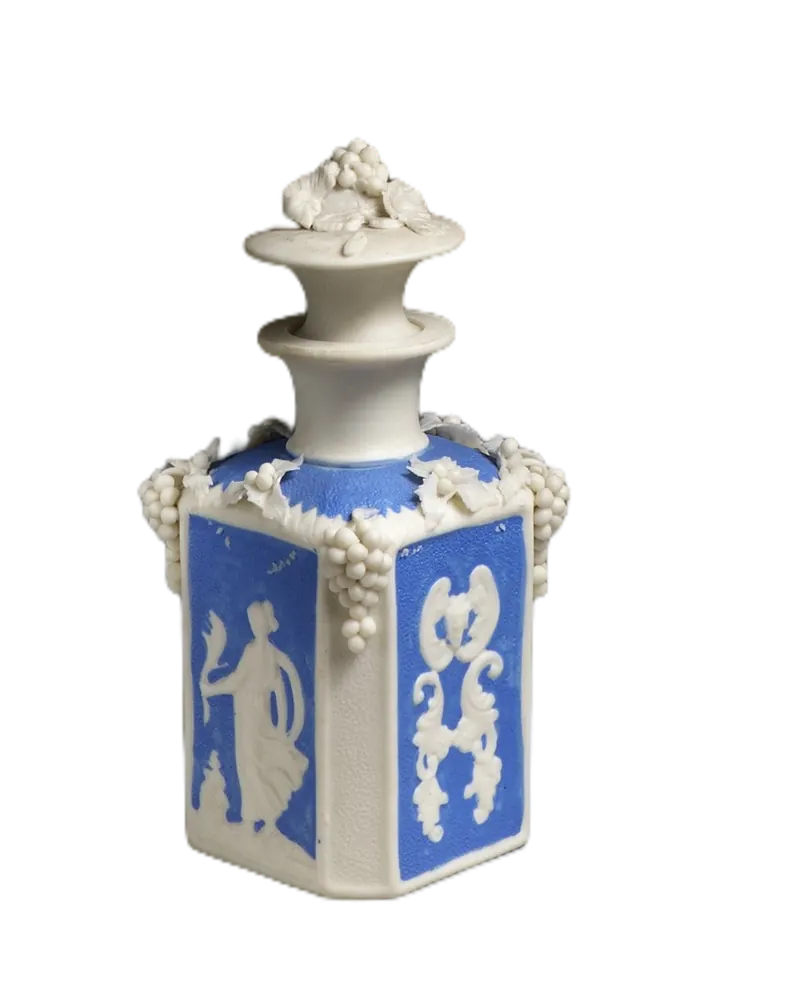
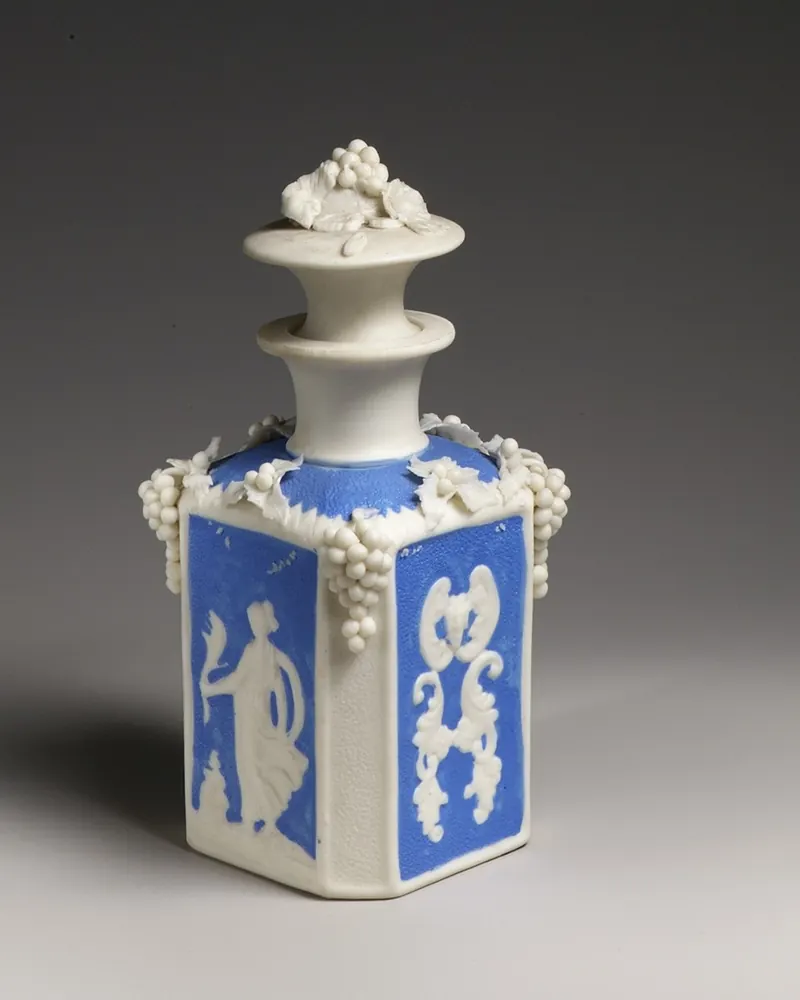
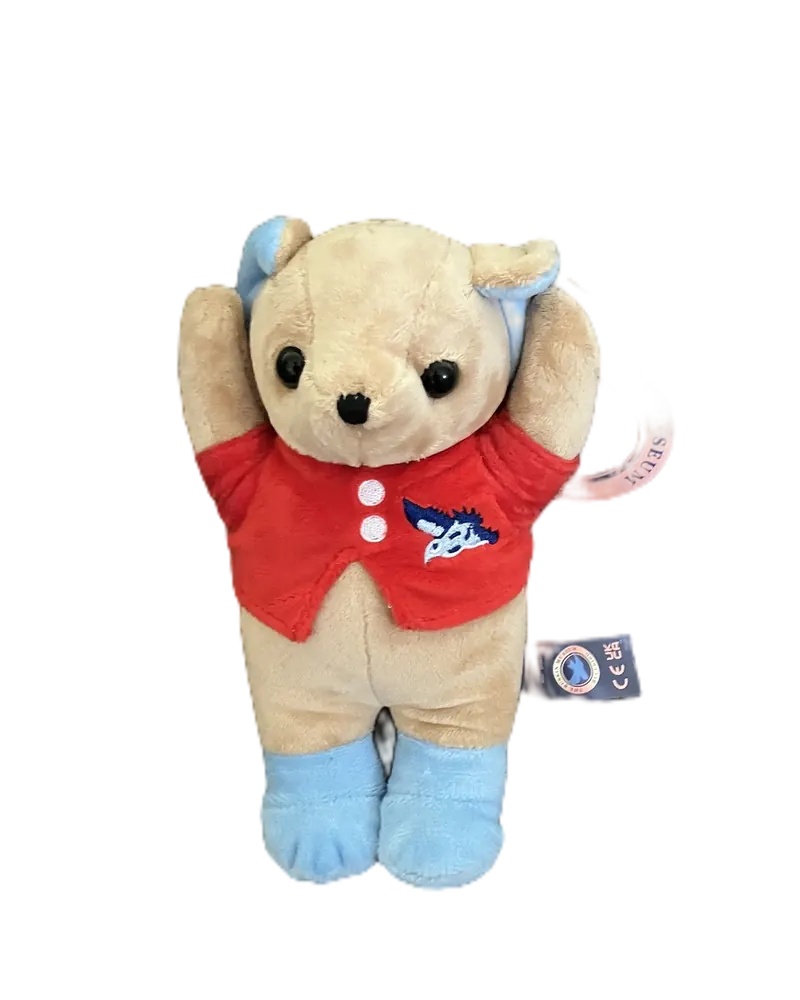
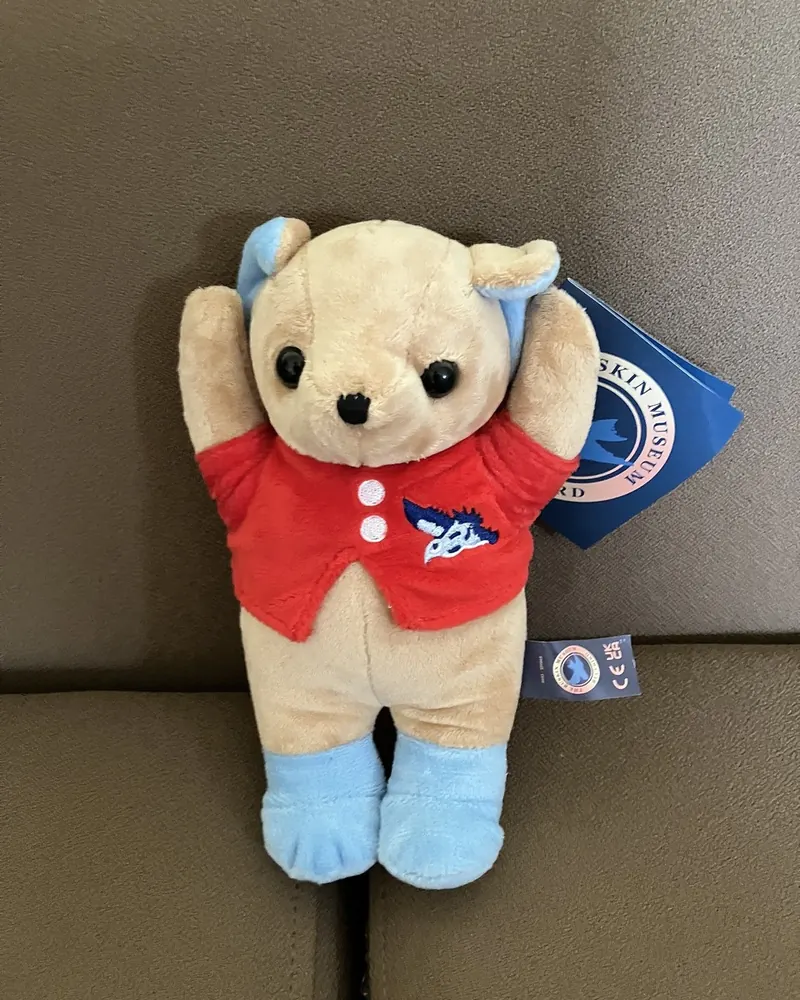
How to use it
Choose a photo of a person, a product or anything else.
The background comes off by itself. Then pick transparent, white, a colour or a gradient.
Crop it if you like, then download it.
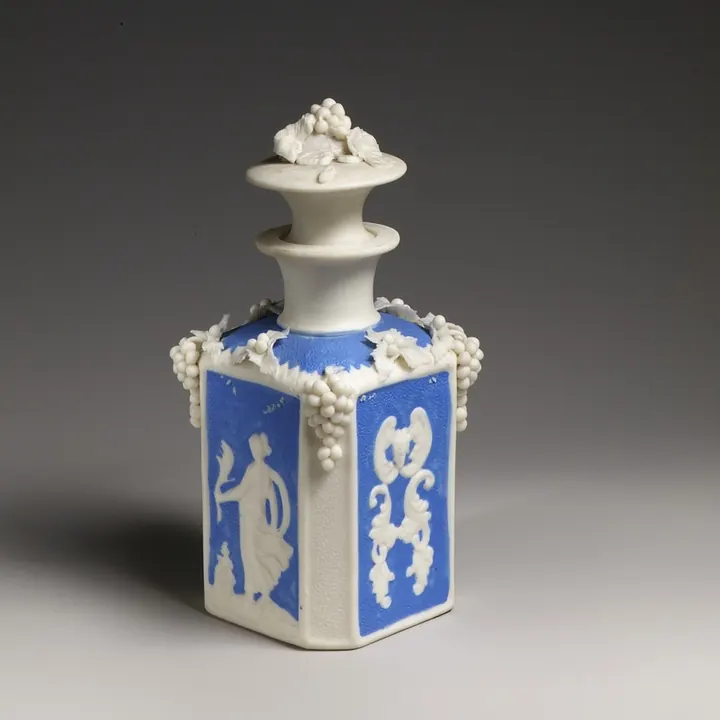
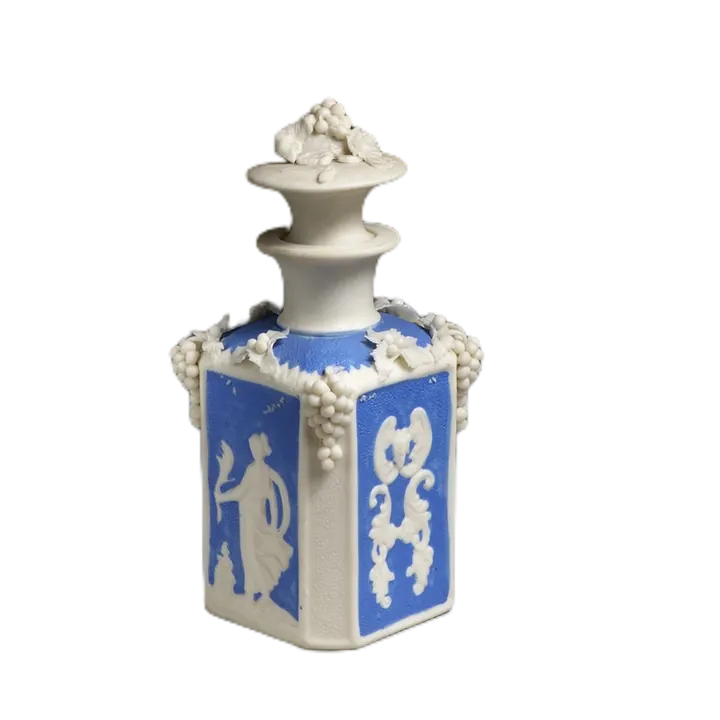
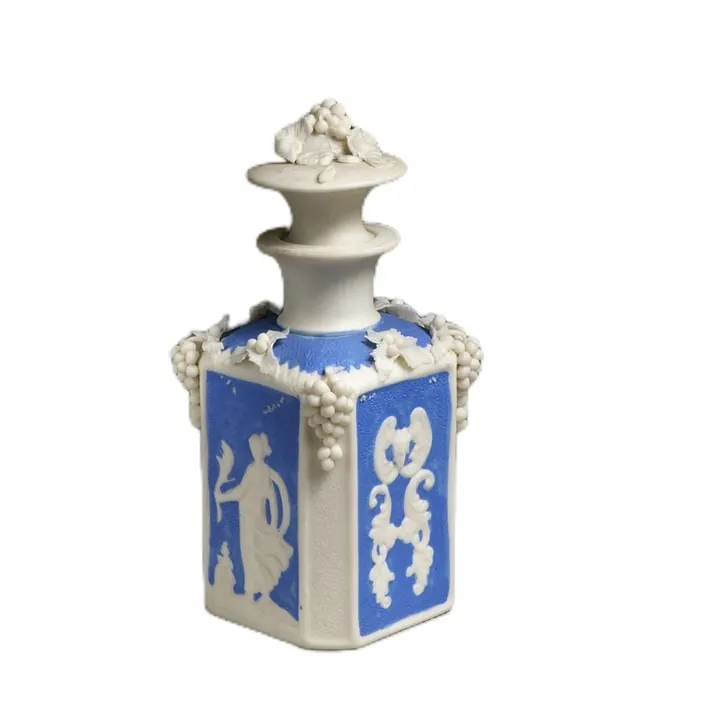
One photo, any background
Take the background out of a photo and keep it see-through. The result is a PNG the size of your photo, and it never leaves your device.
The photo as taken
Transparent, for designs and slides
White, for forms and CVs
A colour or gradient, for profiles



Why the file is a PNG
A JPG has no transparency: it would fill the background with a colour. A PNG keeps a see-through layer, so the cut-out sits on any page, slide or design.
A PNG is larger than a JPG of the same photo: that is the price of keeping the see-through part.
Where a see-through cut-out helps
- Stickers and logos for chats and social posts.
- Product pictures for a shop page with its own background colour.
- Slides, posters and designs where a person or thing sits over other pictures.
Clean edges on a transparent cut-out
- Choose Person for people, and Object for products, pets, toys and drawings.
- Try a dark colour in Background for a moment: leftover patches of the old background stand out, and Compare shows the original beside it.
- Hair and fur are the hardest parts. If strands were cut off, Restore with a small brush brings them back.
Frequently asked questions
How do I make a photo's background transparent?
Choose the photo: the background comes off by itself (choose Object for things other than people). Transparent is already chosen on this page, so the download is a PNG with no background.
Why is my file a PNG and not a JPG?
Only PNG keeps the see-through part. A JPG can't store transparency, so it would need a colour behind the cut-out.
Does the cut-out keep my photo's full size?
Yes. It is made at the size of your photo, so it stays sharp when you place it in a design.
Some background is still there. Can I fix it?
Yes. Open Cutout, pick Erase and paint over it. With Keep edges on, the brush takes only colours like the one you start on, so what you keep stays sharp. Restore brings back anything removed by mistake.
Is my photo uploaded?
No. The background is removed in your browser and nothing is sent to a server. It is free, with no sign-up and no watermark.