Compress image to 200 KB
Make a photo smaller in KB, under any form's limit. Nothing is uploaded.
JPG, PNG, WebP, HEIC or AVIF, up to 20 MB. You can choose up to 10 images at once.
Your image stays on your device.
How to use it
Choose one or more images.
Pick a quality, or type the size you need in KB.
Download the smaller file.
What fits in 200 KB
| Picture | As JPG | As WebP |
|---|---|---|
| A detailed camera photo, 3:2 | about 1860 by 1240 px | about 2400 by 1600 px |
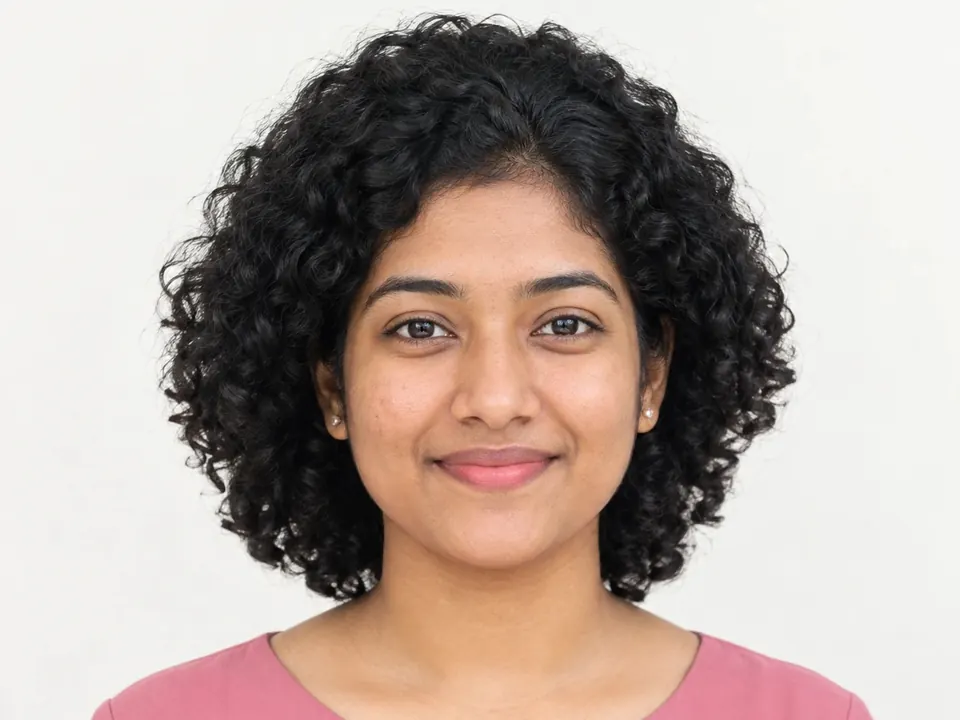
| A head-and-shoulders portrait, 3:4 | about 1620 by 2160 px | the whole photo |
Measured at good quality (80 %) on two real photos. Plain backgrounds, signatures and drawings fit far more pixels; busy pictures, such as leaves or crowds, fewer.
When 200 KB is asked for
- Scanned documents and certificates for applications.
- Photos for websites, blogs and online shops.
- Pictures shared in chat apps and email without losing much.
Tips for 200 KB
- A detailed photo of about 1860 by 1240 pixels fits at good quality, enough for most screens.
- As WebP, a whole 8-megapixel portrait fits in 200 KB.
- For scans, crop to the page and make sure it's straight: the empty edges cost space.
- Text should stay sharp: zoom in on the Result before you download.
Frequently asked questions
How do I compress an image to 200 KB?
Choose your image and press Compress: on this page the size is already set to 200 KB. Then download the smaller file.
Will the file be exactly 200 KB?
As close as it can get without going over. ChobiKit tries different qualities and keeps the best one that stays under 200 KB, so the file may come out a little smaller.
Is 200 KB counted as 200,000 or 204,800 bytes?
Forms differ, so ChobiKit keeps the file under 200,000 bytes, which passes either way.
Can I compress a scanned document to 200 KB?
Yes, if it is an image (JPG, PNG or WebP). Text on white paper compresses well. For a PDF, save its page as an image first: ChobiKit works with images.
Why won't my image get under 200 KB?
It has too many pixels for 200 KB even at the lowest quality. ChobiKit then offers to make it smaller in pixels and tries again. Cropping away what you don't need helps too.
Is my image uploaded?
No. It is compressed in your browser and never sent to a server. It is free, with no sign-up and no watermark.